
Draw with Your Own Key (BYOK)
BYOK (Bring Your Own Key) lets you paste your own model API key so drawing does not spend platform credits — ideal for high-volume or private use.
How to use
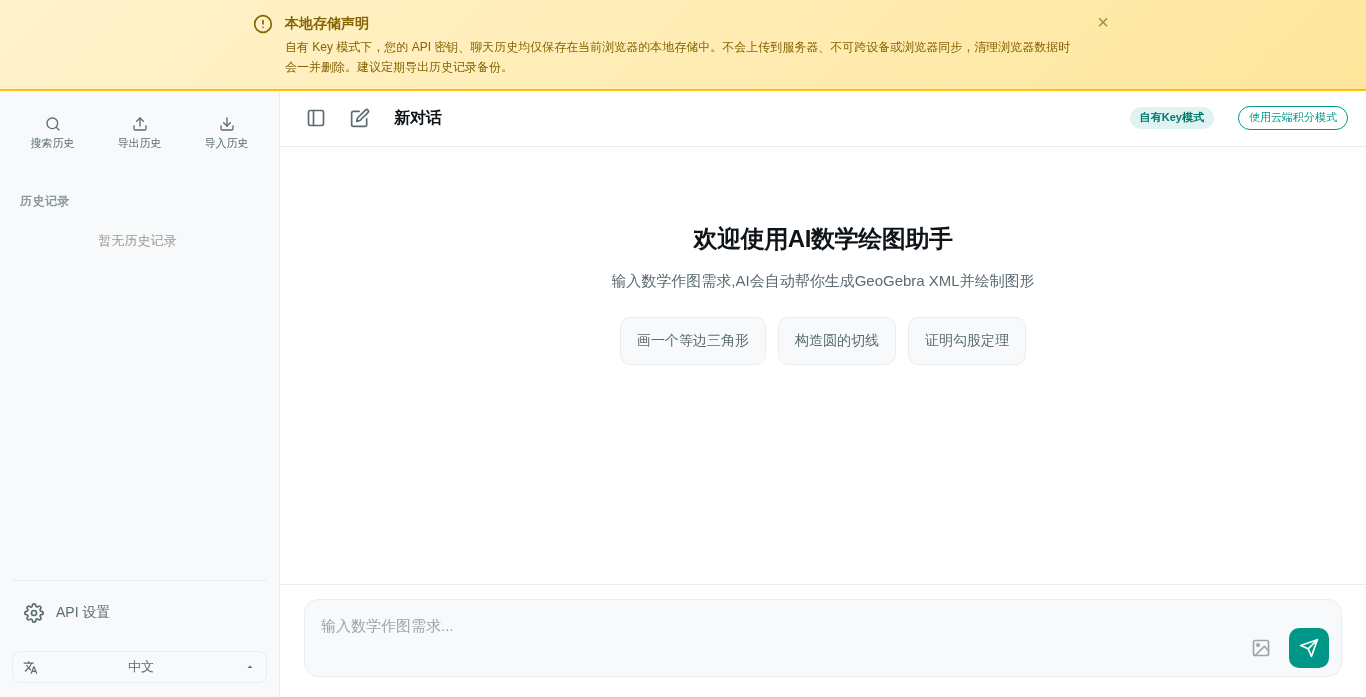
- Open the BYOK page.
- Enter your own model-service API key (isolated from the platform account, visible only to you).
- Save it, then choose "use my key" on the canvas to draw against your own quota.
Notes
- You manage the key yourself; keep it safe and don't leak it.
- BYOK drawing is not counted against platform credits, but is bounded by your model provider's limits.
- Without BYOK, drawing spends platform credits (see Credits System).